
Download CampoSoft – farm management, agricultural operations, crop tracking, irrigation, fertilization, expense tracking, compliance, traceability, harvest records, agricultural software
Overview
CampoSoft is a productivity-focused mobile application designed specifically for technicians and farmers seeking efficient tools to manage agricultural operations. The app serves as a comprehensive digital solution for overseeing farm activities, from planting to harvest, with an emphasis on operational tracking and compliance. It enables users to monitor critical processes such as irrigation schedules, fertilization cycles, and financial records related to crop production. By centralizing these functions, CampoSoft helps reduce manual errors and supports data-driven decision-making in farming practices.
Targeted primarily at agricultural professionals and small to mid-sized farm operators, the app addresses common challenges in record-keeping, financial oversight, and regulatory compliance. Its intuitive design allows users to enter and retrieve data with minimal training, making it accessible even to those with limited digital experience. Real-world use cases include managing multiple plots, maintaining logs for audits, and tracking inputs to optimize yield and profitability.
Although the developer did not provide additional technical details, the app’s long-standing presence since its release on November 18, 2014, suggests a stable and reliable foundation. As part of the growing ecosystem of agricultural software, CampoSoft fills a niche by offering a dedicated tool for farm management that integrates key operational and financial components into a single platform.
Key Features & Functionality
- Comprehensive Farm Management: Enables users to track irrigation and fertilization operations in real time, ensuring crops receive timely inputs and optimal growing conditions.
- Expense and Income Tracking: Supports detailed logging of all costs and revenues associated with each harvest, helping users evaluate profitability and plan future investments.
- Multiple Plot Management: Allows simultaneous oversight of several fields, each with independent data storage, which simplifies organization across diverse or large-scale farming setups.
- Production Control and Traceability: Provides tools to monitor production processes, tasks, and associated costs, while maintaining a complete record for compliance with quality certifications and legal standards.
- Operation History Consultation: Offers access to historical data and the ability to generate printed logs, a critical feature for regulatory audits and internal reporting.
For example, a farmer managing three separate crop fields can use the multiple plot feature to assign unique records to each, input irrigation dates, and compare fertilization costs across plots. The expense tracking system can then summarize total costs per harvest, enabling better budgeting. Similarly, during an inspection, the operation history function allows immediate access to documented activities, reducing stress and ensuring transparency.
Interface, UX & Performance
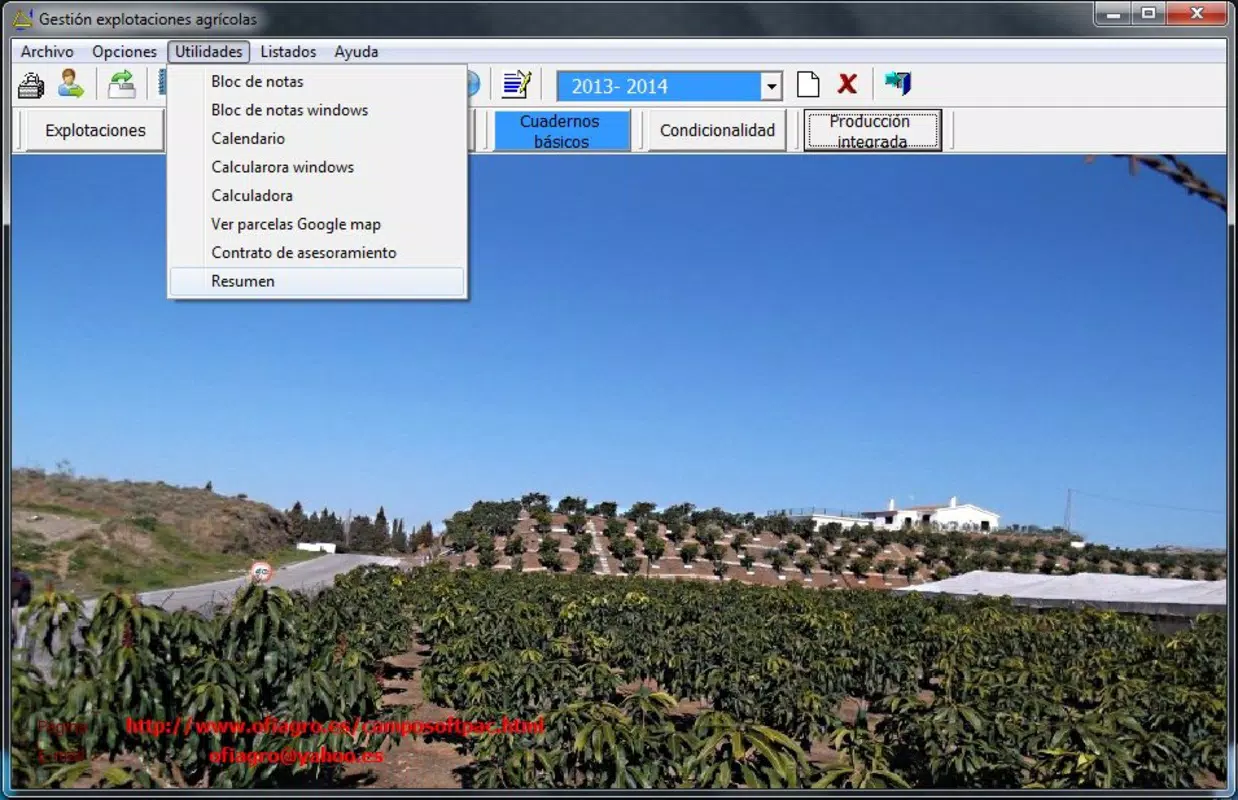
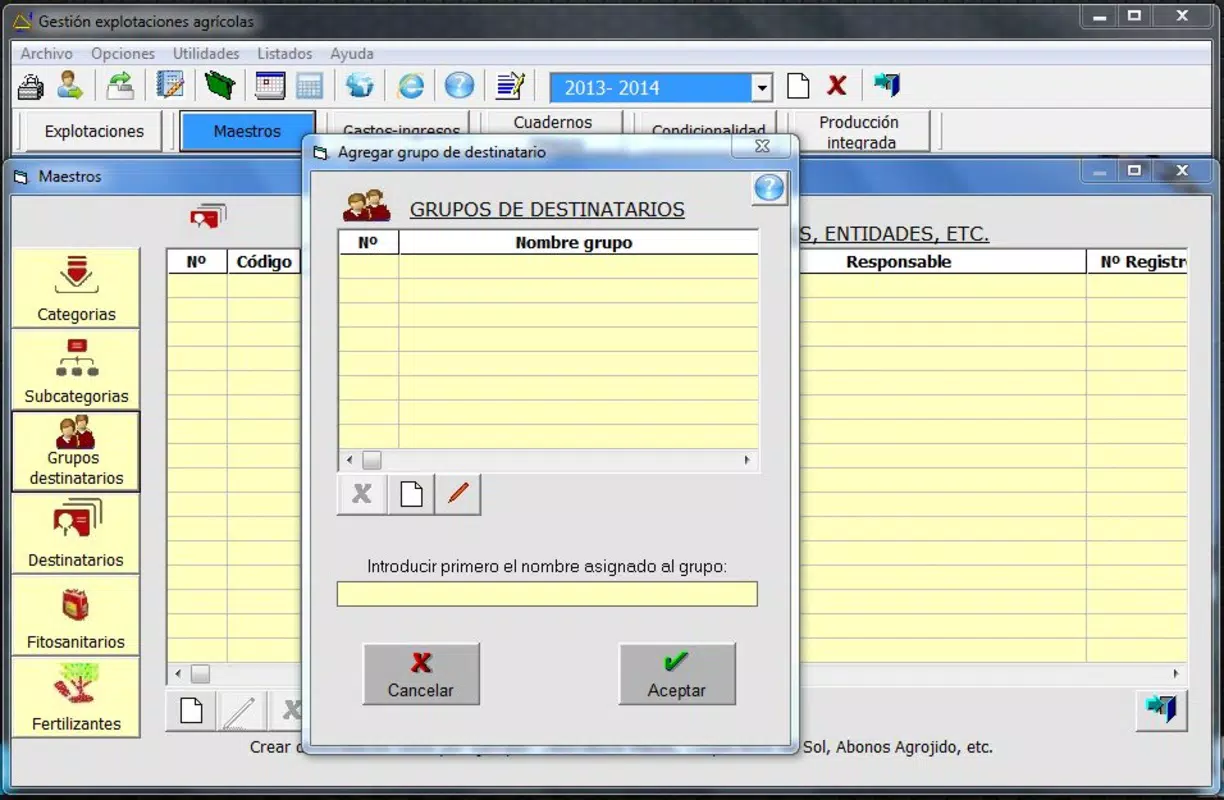
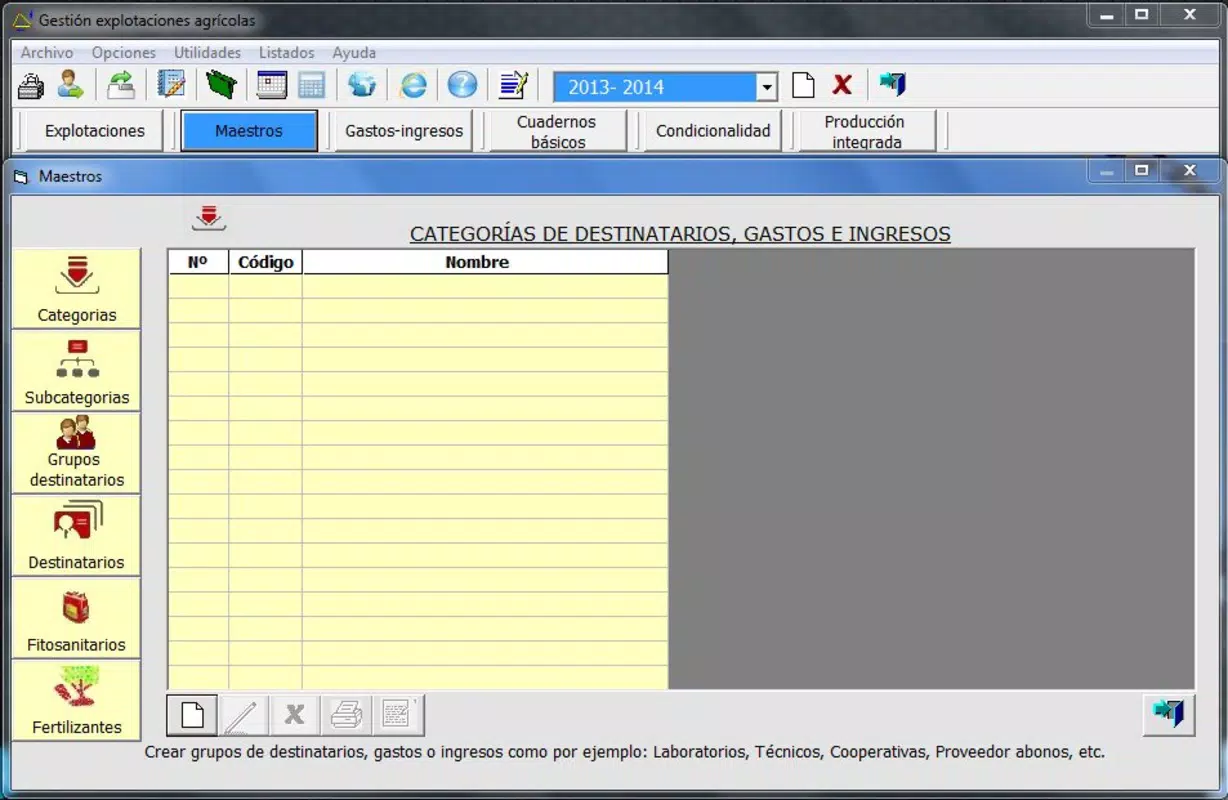
CampoSoft features a clean, functional interface tailored to agricultural workflows. The layout prioritizes ease of navigation, with clearly labeled sections for data entry, reporting, and historical review. Users can expect a straightforward progression through tasks such as logging an irrigation event or recording an expense, minimizing the learning curve.
Visual design is practical rather than flashy, focusing on readability and accessibility. Text fields, dropdown menus, and buttons are sized appropriately for touch interaction, enhancing usability on a variety of Android devices. Navigation remains consistent across screens, which supports efficient task completion without confusion.
Although the developer did not list formal performance metrics, the app’s continued availability and functionality suggest stable operation across different device categories. Responsiveness appears adequate for standard data entry and retrieval tasks. Stability is likely maintained through consistent updates, though specific details on update frequency were not provided. Overall, the user experience reflects a tool built for utility, not aesthetics.
Platform Compatibility & Technical Requirements
CampoSoft is available exclusively on the Android platform. The current version is 1.0.3, with a file size of 20.5 MB, indicating a lightweight application suitable for devices with moderate storage capacity. This size supports quick installation and minimal impact on device performance.
The developer did not specify minimum OS requirements or compatibility details beyond the platform. As such, users should verify device compatibility through the official distribution channel. While no explicit limitations were listed, the app’s age and design suggest it may function on older Android versions, though this is not confirmed.
Pros and Cons
Pros
- Designed specifically for agricultural professionals and farm technicians.
- Supports multiple plot management for complex farming operations.
- Offers robust tracking for irrigation, fertilization, and financial data.
- Facilitates compliance through detailed operation history and traceability features.
- Free to download and use, reducing entry barriers for small-scale users.
Cons
- Developer did not provide detailed technical specifications or OS requirements.
- No information on update frequency or future development plans.
- Platform availability limited to Android only.
- Limited visual design and modern UI elements.
- No official support channels or user community were disclosed.
FAQ
Is CampoSoft safe to download and install?
Yes, the app is available through official Android channels and is free from known malware. Users should always download from trusted sources to ensure security.
Can I use CampoSoft on iOS devices?
Currently, the app is only available on Android. There is no official version for iOS devices.
How often is CampoSoft updated?
The developer has not disclosed the update schedule. Users should check the app store for the latest version.
Does CampoSoft require internet access?
While the app may function offline for data entry, certain features like cloud backup or report sharing may require connectivity. Specific usage details were not provided.
Is my farm data secure in CampoSoft?
The app stores data locally on the device unless otherwise specified. Users are advised to back up their information regularly to prevent data loss.
Final Thoughts
CampoSoft stands out as a focused, no-frills tool tailored to the unique demands of modern farming. Its ability to track irrigation, fertilization, expenses, and compliance records makes it a valuable asset for technicians and farmers who rely on accurate, organized data. While the interface lacks modern polish and the developer has not shared detailed technical information, the app delivers core functionality essential for sustainable farm management.
Its free price point and lightweight design make it accessible to a broad audience, particularly small-scale operators who need reliable tools without high costs. For those managing multiple plots or preparing for audits, the operation history and traceability features are especially beneficial.
Despite its age, the app remains relevant in an industry increasingly adopting digital solutions. If you're a farmer or technician seeking a practical, dedicated tool for agricultural operations, CampoSoft offers a solid foundation for efficient farm management.
Download CampoSoft now


